Campaign studio
Build, schedule, and adapt phishing simulations for different regions, roles, and risk profiles.
Phishing simulations
Send realistic, localized phishing emails to your own people, measure who opens, clicks, submits credentials or reports, and turn every result into numbers your leadership and auditors can read.
How a campaign works
Every campaign starts from a lure written by the offensive-security team at Haxoris in Slovak, Czech and English business language, so it reads like the real thing. You choose who receives it and when, and every open, click, submission and report appears as it happens.
Capabilities
Each capability covers one step of the campaign loop, so a lean security team can run a full simulation program without a dedicated administrator.
Build, schedule, and adapt phishing simulations for different regions, roles, and risk profiles.
Use scenarios inspired by real-world payroll, supplier, invoice, QR, credential, and collaboration-platform lures.
Segment by team, language, seniority and exposure, then stagger delivery with throttling so campaigns look like real mail, not a mass blast.
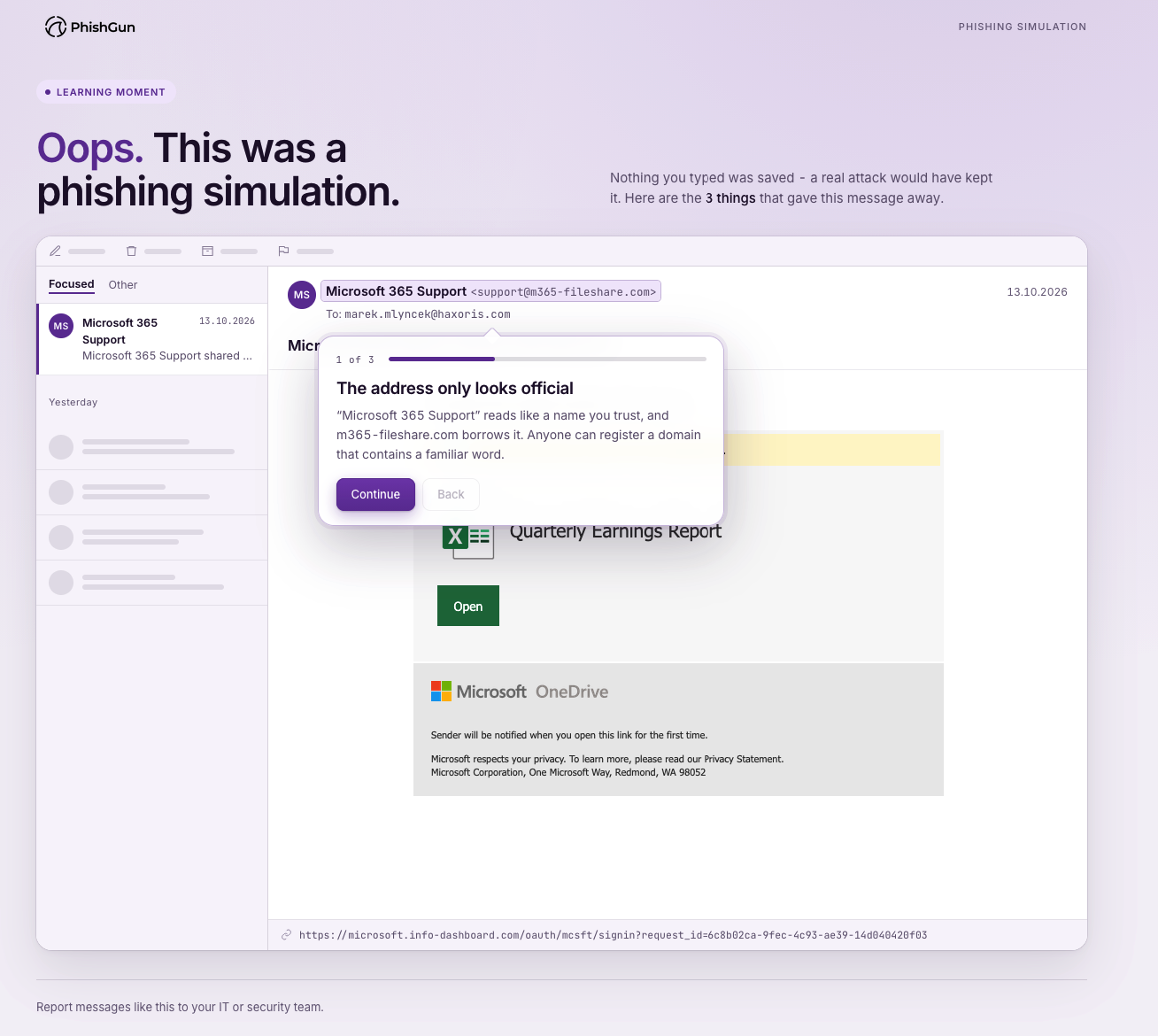
Every click lands on a controlled page that never stores what is typed. If an employee submits, the page turns into a learning moment that explains what just happened and why it matters.
Capture suspicious emails from employees and turn reporting into a measurable security habit.
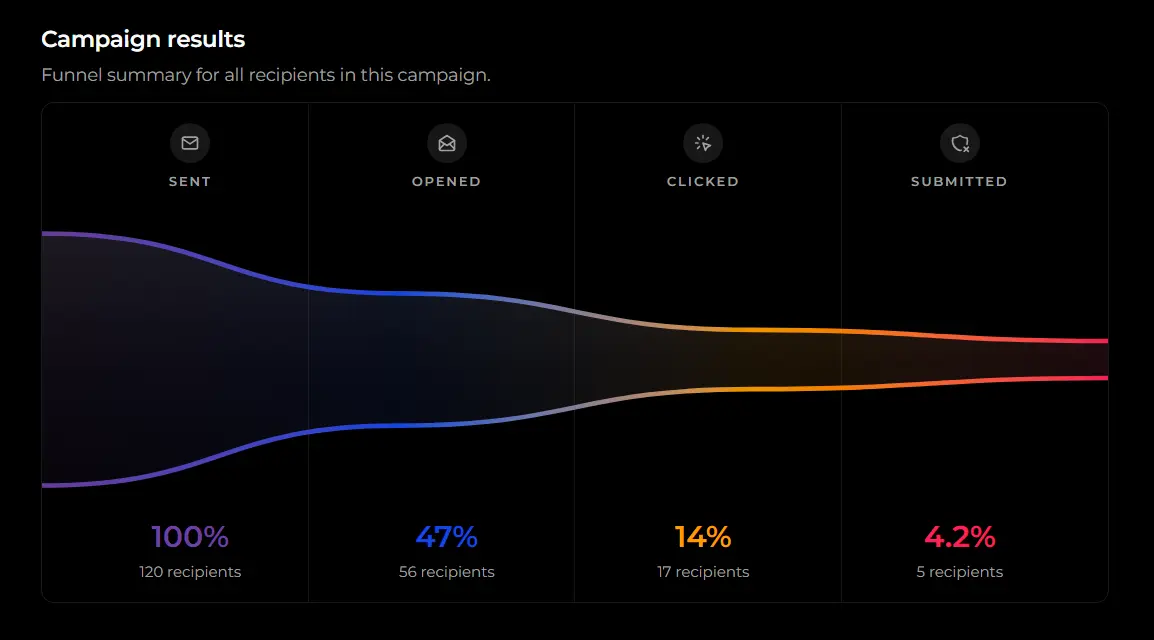
Watch opens, clicks, credential submissions and reports arrive in real time, broken down by campaign, team and department.
Simulation engine
Create scenarios that match employee context, then schedule them as a repeatable program instead of one-off tests.
Measurement
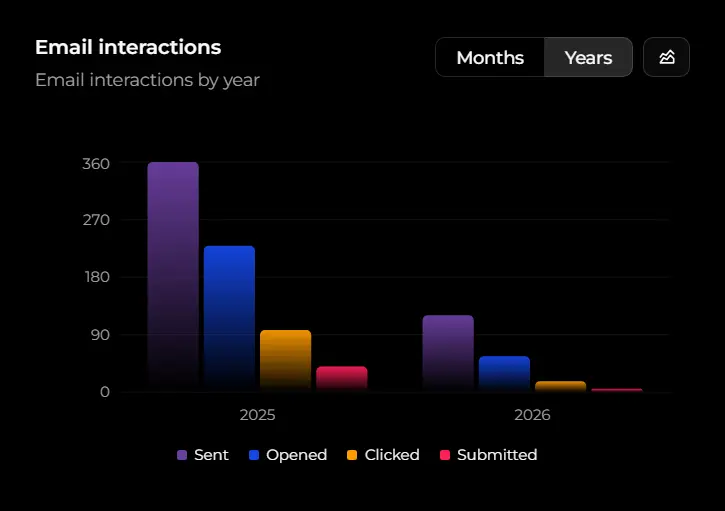
PhishGun separates vanity completion numbers from the behaviours that reduce risk: spotting, reporting, training, and improving.
Phishing content
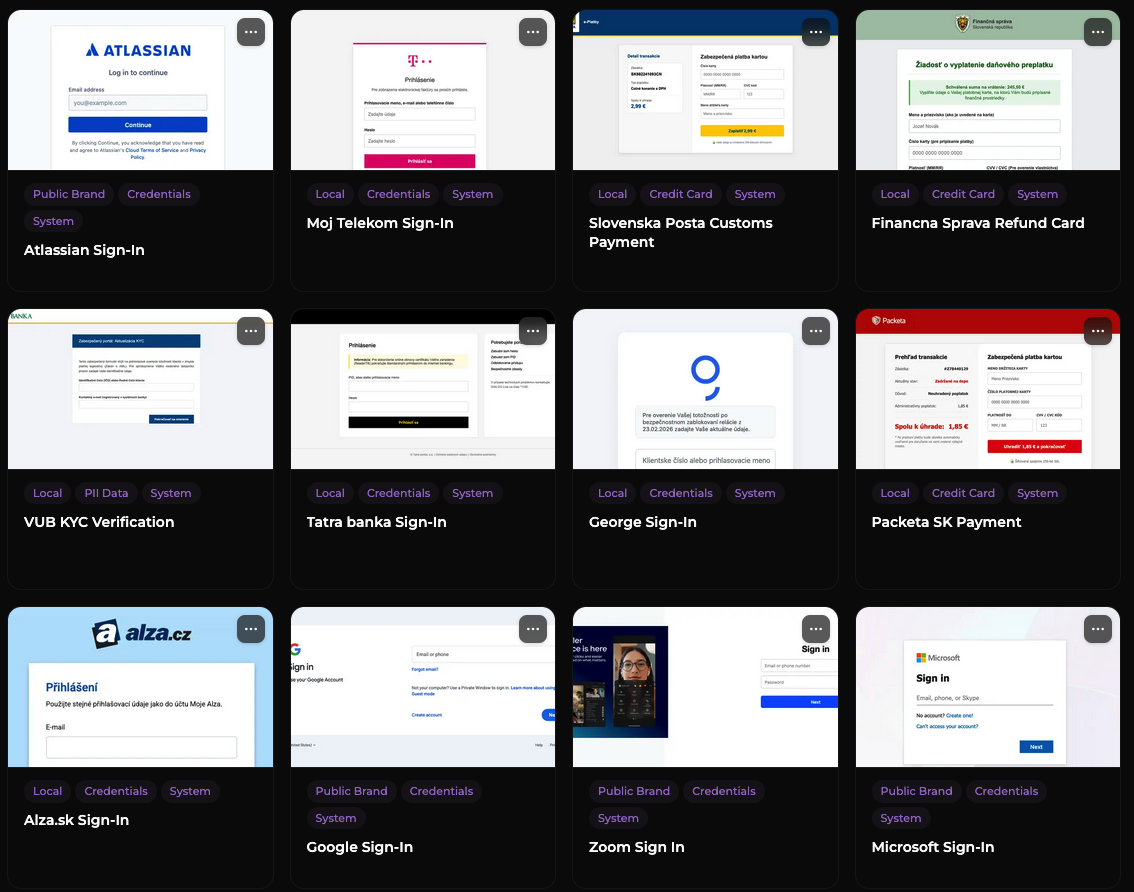
Pick from a growing collection of public and locally prepared phishing templates - from everyday lures to advanced attacker tradecraft - so simulations stay realistic for every team.
Reporting
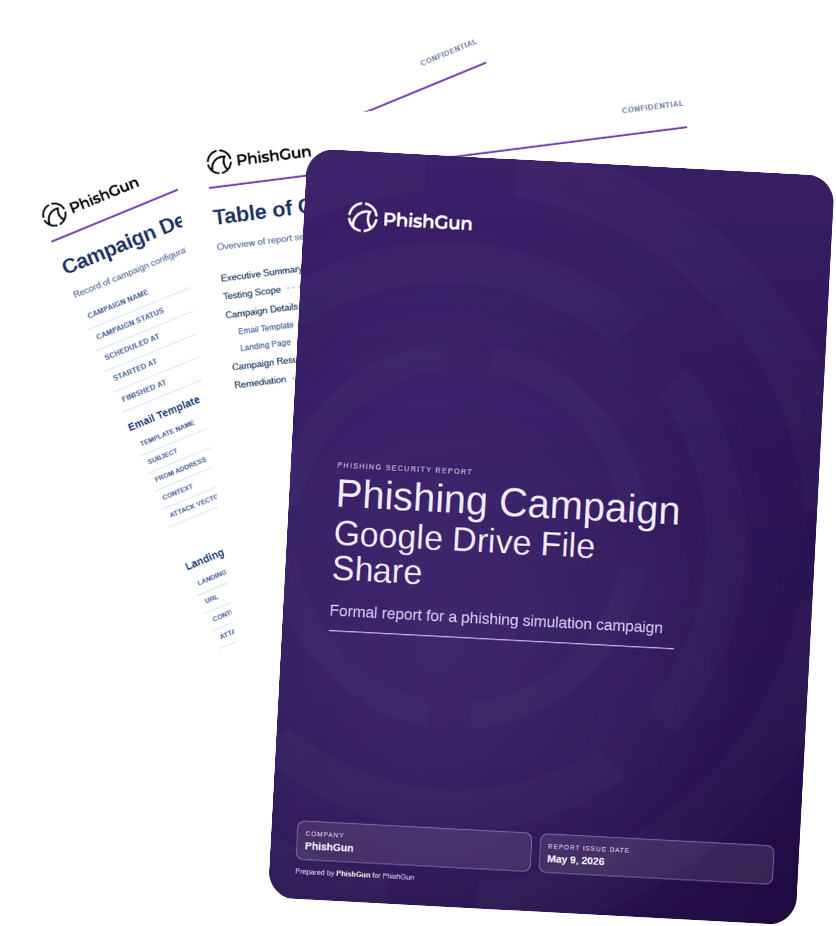
Turn campaign results into clean, branded reports for leadership, auditors, and partners - without spending hours assembling slides.
Campaign lifecycle
A first campaign takes about five minutes to brief from a localized template. The same loop then repeats on a schedule you set.
Sync users from Microsoft 365 or Google Workspace and group them by team, language and risk profile.
Choose a localized template from the library or adapt one to a current threat or business event.
Pick the send window and PhishGun paces delivery so the campaign lands in inboxes like everyday mail.
Opens, clicks, credential submissions and reports appear as they happen, with the learning moment triggered automatically on a submission.
Turn the campaign into a branded PDF report and a trend line for the next management review or audit.
After the mistake
A phishing test that ends at the click rate is a measurement, not a program. In PhishGun the moment an employee submits data to the simulated page is the start of training: they are told nothing was stored and shown what they missed while the message is still fresh.
Use cases
PhishGun adapts to the team running the program. Start as a focused phishing simulation and employee training tool and grow into a broader awareness rhythm as the program matures.
Show recurring awareness activity, employee participation, and risk trend evidence for management reviews and audits.
Run a credible phishing simulation and employee training program without buying an oversized enterprise suite or adding a dedicated admin role.
Target high-impact groups with realistic invoice, supplier, payroll, and credential-theft simulations.
Train mixed desk and frontline employees with concise, localized scenarios that do not rely on long courses.
Reinforce secure behaviour across distributed teams using email, collaboration, QR, and credential scenarios.
Produce participation, behaviour, and training evidence ready for board, audit, and regulator conversations.
Integrations
PhishGun is designed around common business stacks, with simple paths for identity, email, reporting, and ticketing workflows.


Resources
How campaigns are built, what the lures look like, and the click rates to compare your results against.
How to run a phishing simulation step by step: set the goal, pick a realistic scenario, launch to a representative group, then measure click rate, report rate and time to report.
12 annotated phishing email examples from real campaigns - parcel scams, bank lures, fake CEO requests and AI-written attacks. Train your team to spot them.
Phishing click rate benchmark data for 2026: untrained employees click 33%, trained teams 5%. Compare your results by industry and size - see how you stack up.
Short answers for teams planning their first campaign.
Next step
Book a 30-minute demo: we build a campaign from a localized template, send it, and walk through the results and the report with you.